BitForge Nano Bitcoin Solo Miner (Ghost Edition)
$349.99
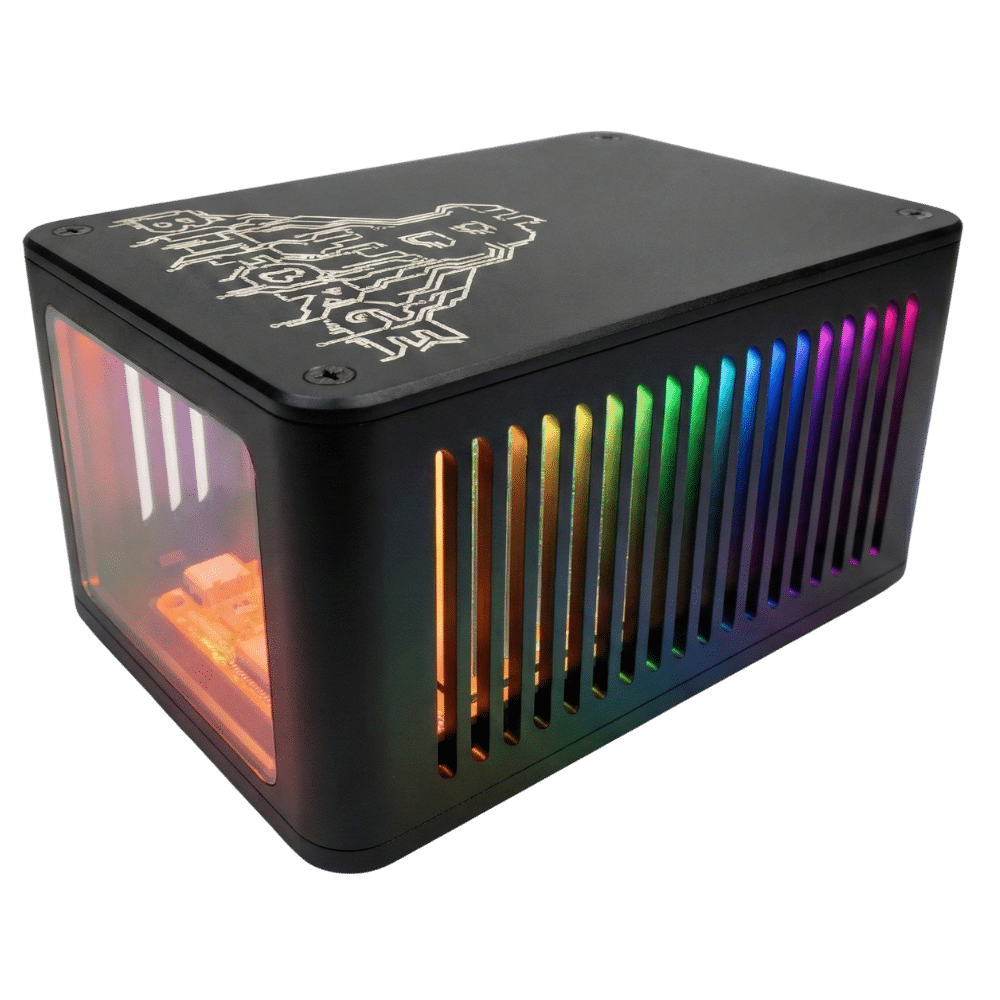
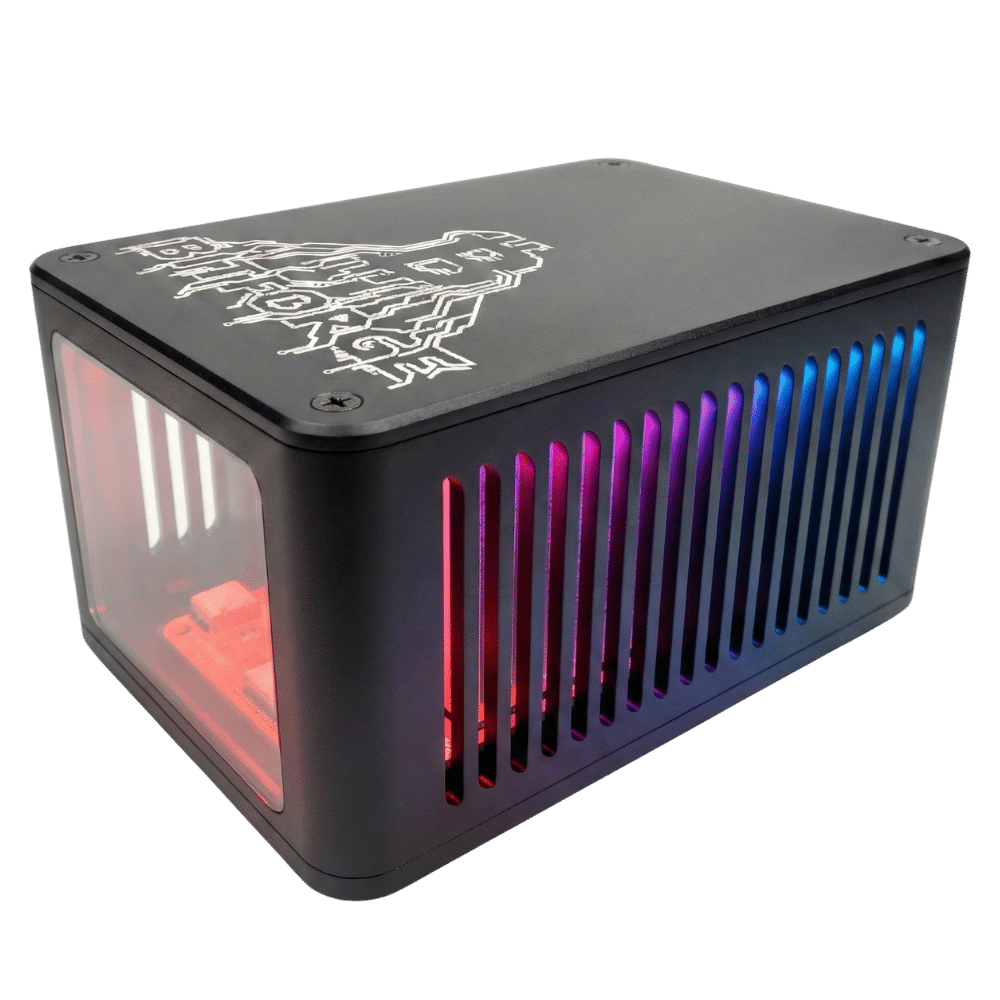
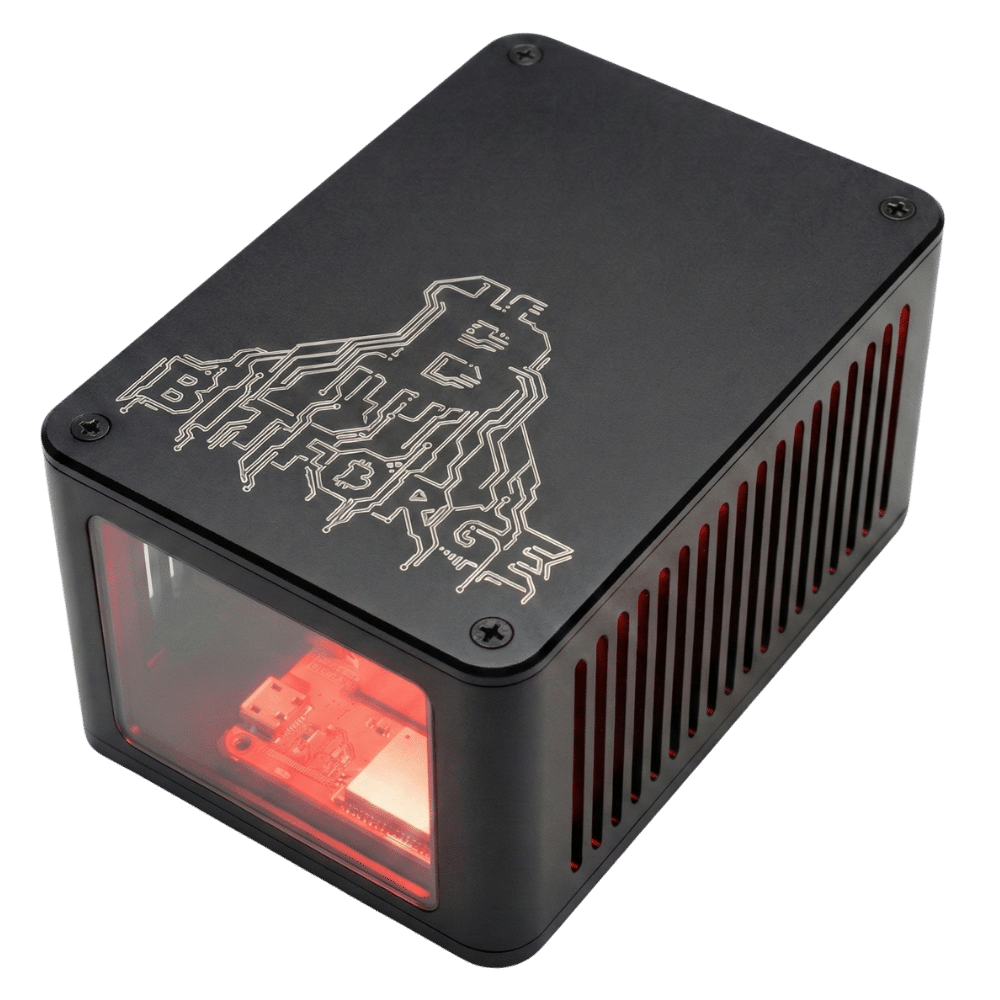
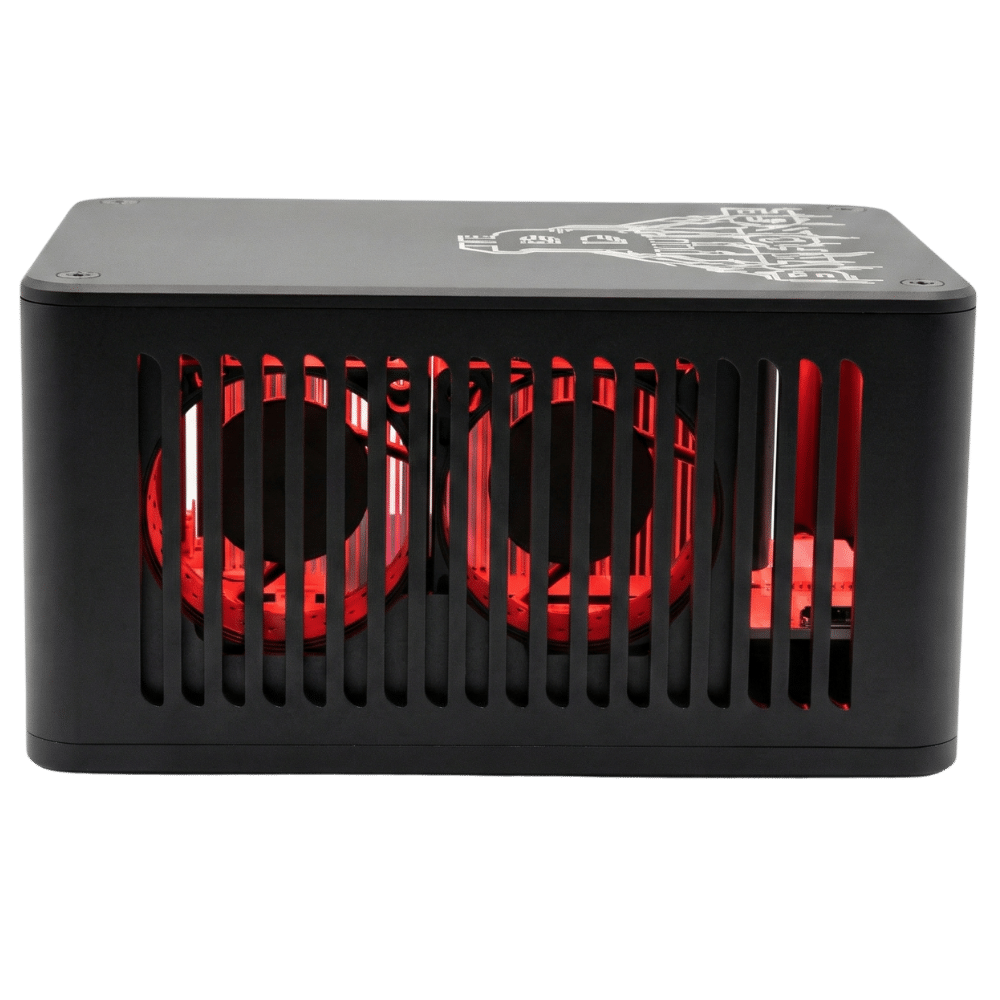
The BitForge Nano Ghost Edition packs 2.6 TH/s of dual-BM1370 hashpower into an aluminum and smoked-glass enclosure. This special edition miner runs whisper-quiet at just 29 dB, uses only 43 Watts of power, and ships same day from Houston, Texas, USA.
Description
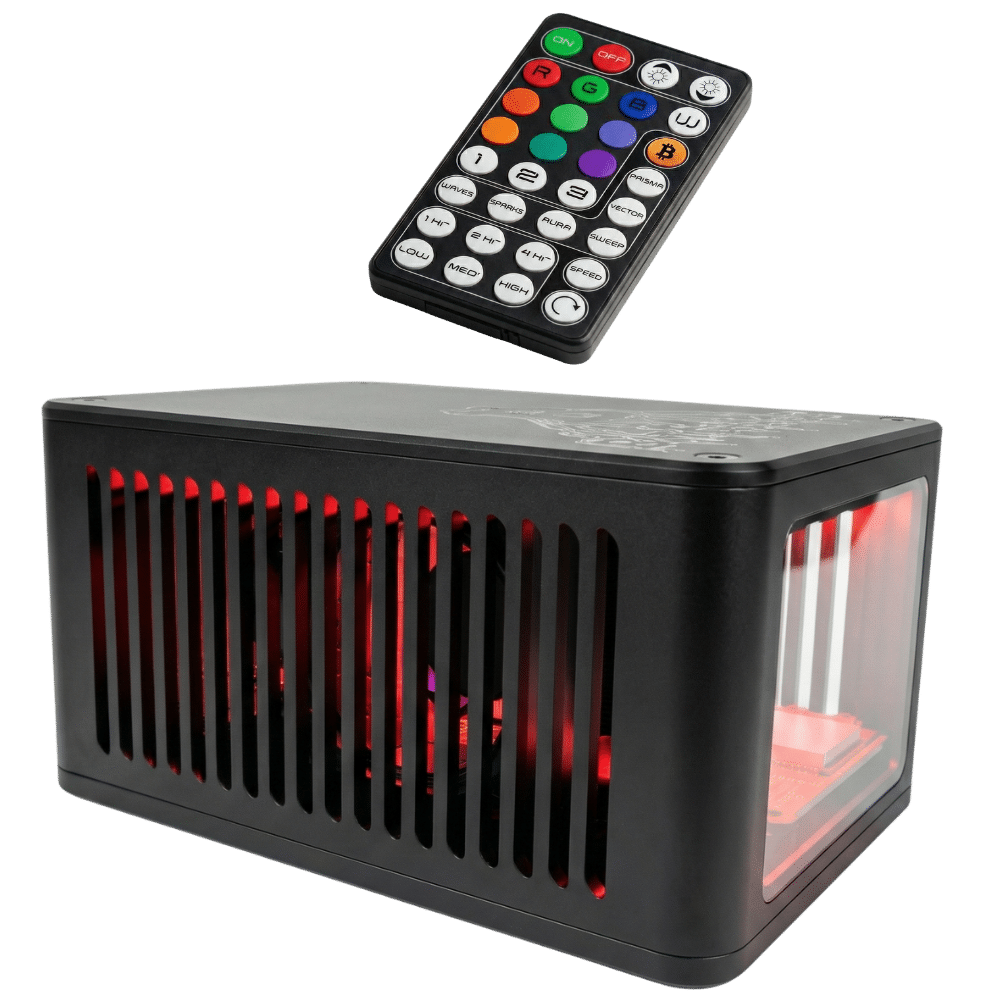
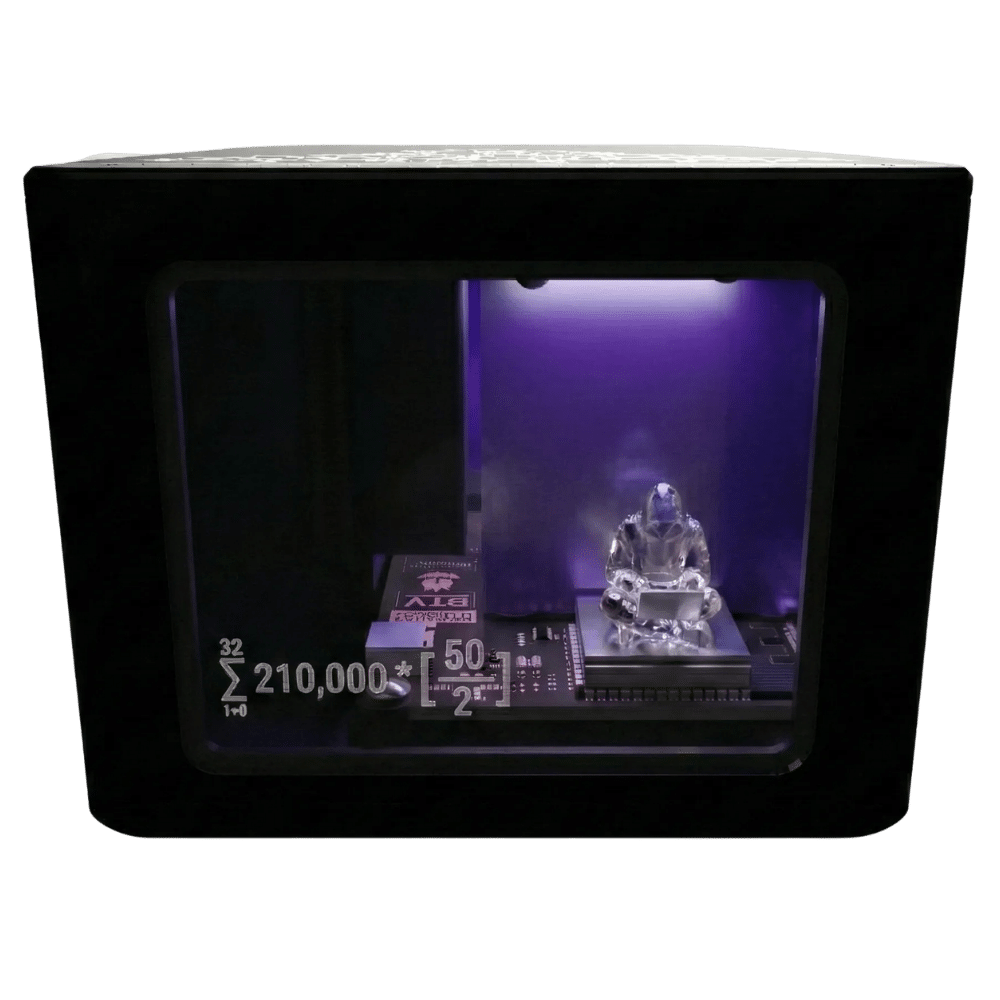
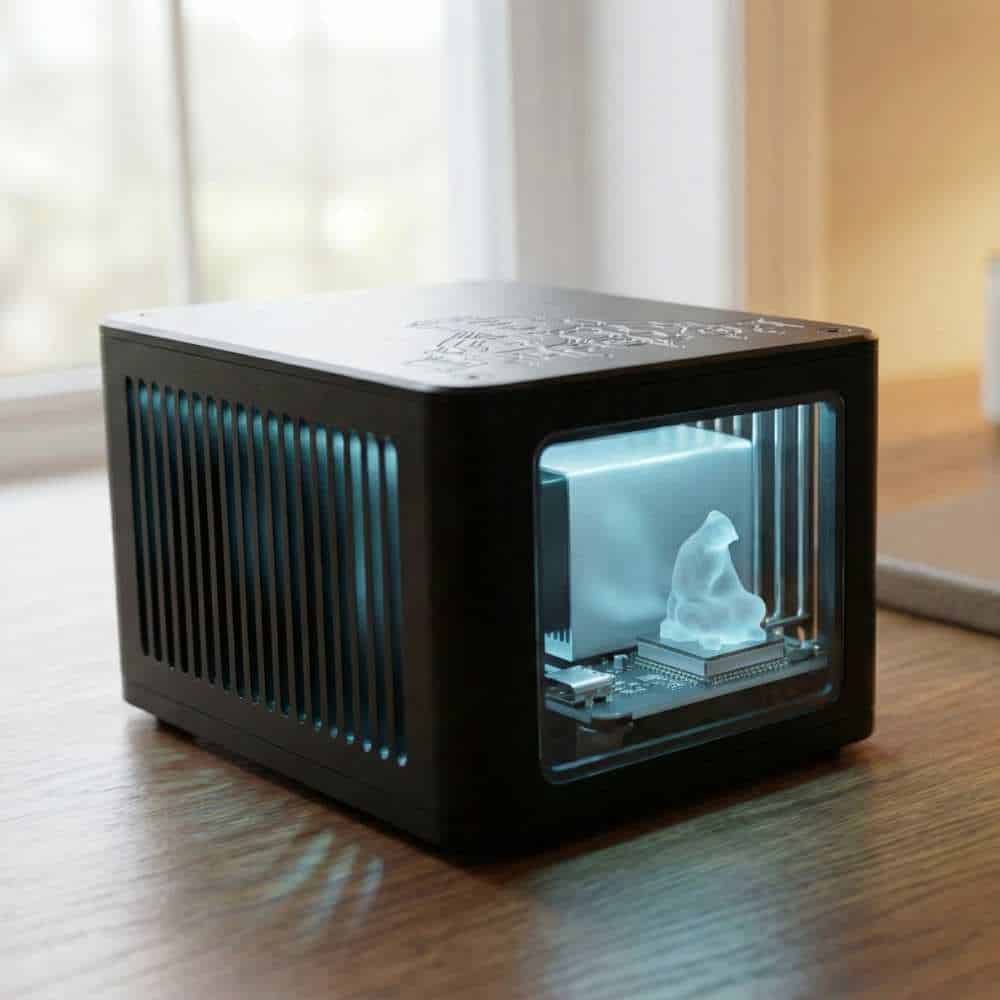
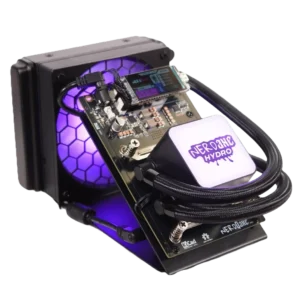
The BitForge Nano Ghost Edition is a compact, open-source Bitcoin miner delivering 2.6 TH/s of SHA-256 hashrate from two Bitmain BM1370 ASICs at just 43W. Engineered in Germany, the BitForge Nano Ghost Edition runs ForgeOS browser-based firmware over integrated Wi-Fi and houses its hardware in a fully enclosed extruded aluminum case with a smoked glass viewing window, pixel-addressable RGB lighting, and dual-fan cooling tuned to a whisper-quiet 29 dB.
Solo Satoshi is an authorized US distributor. Every Ghost Edition ships same day from Houston, Texas with a 90-day Solo Satoshi warranty backed by professional support. 40,000+ devices shipped to 70+ countries since May 2024.
BitForge Nano Ghost Edition Specifications
| Specification | Details |
|---|---|
| ASIC Chips | 2x Bitmain BM1370 |
| Algorithm | SHA-256 |
| Efficiency | ~15 J/TH |
| Power Input | 12V DC barrel jack |
| Controller | ESP32-S3 microcontroller |
| Connectivity | Integrated 2.4 GHz Wi-Fi |
| Firmware | ForgeOS, browser-based, open-source |
| Open-Source Licenses | CERN-OHL-S-2.0, GPL-3.0 |
| Multi-Miner Monitoring | Native Swarm dashboard built into ForgeOS |
| Mobile Monitoring | HashLink & Hashwatcher ready |
| Display | Screenless (managed via ForgeOS web interface) |
| Cooling | Custom heatsink, dual fans, parallel VRM cooling, automatic fan control |
| Lighting | Pixel-addressable RGB LEDs with included IR remote |
| Enclosure | Extruded aluminum with smoked glass viewing window |
| Dimensions | 5.1 x 3.5 x 2.5 in (130 x 90 x 63 mm) |
| Weight | ~10.6 oz (~300 g) |
| Firmware Recovery Port | USB-C |
| Mining Modes | Solo or pool mining (any SHA-256 coin) |
| Warranty | 90-day Solo Satoshi warranty |
| Shipping | Same-day from Houston, Texas |
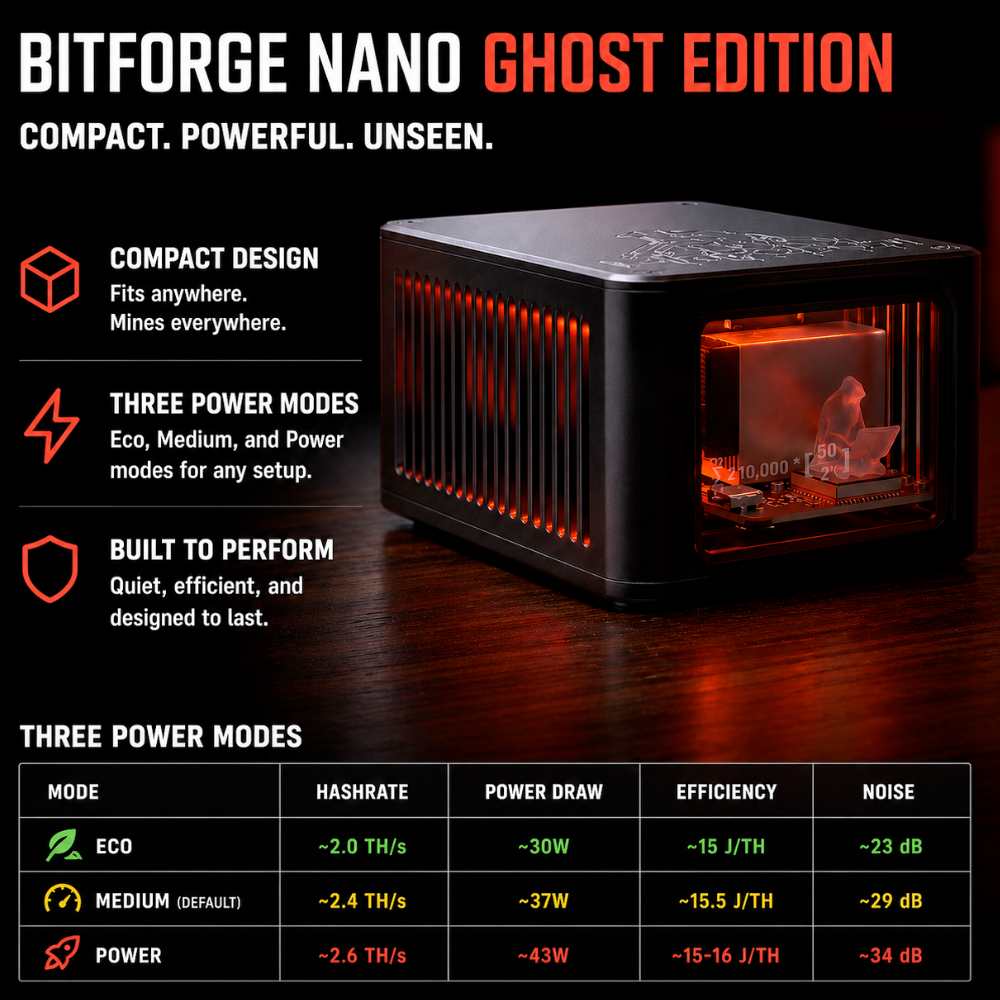
Three Preset Performance Modes
ForgeOS includes three one-click performance profiles selectable from the dashboard with no overclocking knowledge required:
| Mode | Hashrate | Power Draw | Efficiency | Noise |
|---|---|---|---|---|
| Eco | ~2.0 TH/s | ~30W | ~15 J/TH | ~23 dB |
| Medium (default) | ~2.4 TH/s | ~37W | ~15.5 J/TH | ~29 dB |
| Power | ~2.6 TH/s | ~43W | ~15-16 J/TH | ~34 db |
Per-mode wattage estimated from manufacturer efficiency rating (~15 J/TH per ASIC spec). Verified Power mode reading: 2.66 TH/s at 43.0W per ForgeOS dashboard. Per-mode noise levels not individually published by manufacturer. All values subject to ±10% variance based on ambient conditions and the silicon lottery.
- Eco: Lowest power draw and acoustics for bedrooms and living spaces.
- Medium: Balanced performance and noise. Factory default.
- Power: Maximum hashrate with slightly increased noise and heat.
Automatic Fan Control is enabled by default and adjusts fan speed based on ASIC temperature.
Native Swarm Multi-Miner Monitoring
ForgeOS includes a built-in Swarm dashboard for monitoring multiple BitForge and AxeOS-compatible miners from a single web interface. View aggregate hashrate, per-device temperature, voltage, share counts, and uptime across your entire mining setup without third-party tools or subscriptions.
What Does It Cost to Run a BitForge Nano Ghost Edition?
The Ghost Edition draws 40W at default Medium mode. Here is what it costs to run 24/7 at common US residential electricity rates:
| Electricity Rate | Monthly Cost | Annual Cost |
|---|---|---|
| $0.10/kWh | $2.92 | $35.04 |
| $0.12/kWh (US average) | $3.50 | $42.05 |
| $0.16/kWh | $4.67 | $56.06 |
| $0.20/kWh | $5.84 | $70.08 |
For roughly the cost of a streaming subscription, the Ghost Edition runs 24/7 with a non-expiring shot at the full 3.125 BTC block reward. Calculate your exact cost with our mining calculator.
What’s Included
- BitForge Nano Ghost Edition miner.
- 12V power supply.
- 3-prong US AC cord.
- RGB LED IR remote control.
- Multi-language printed quick-start guide.
How to Set Up Your BitForge Nano Ghost Edition
Setup takes under 5 minutes:
- Unbox and inspect: Confirm the miner, fan, power adapter, and remote are included and free from visible damage.
- Connect power: Plug the included 12V power adapter into the wall outlet, then connect to the miner. The fan begins spinning and internal lighting illuminates.
- Wait for the setup Wi-Fi: The device creates a broadcast network named Nano-XXXX (last four characters of the MAC address).
- Connect to your miner: Join the Nano-XXXX network from your phone, tablet, or computer.
- Open the configuration page: A browser window may open automatically. If not, navigate to 192.168.4.1.
- Enter Wi-Fi credentials: Set your hostname (default “BitForge”), enter your home Wi-Fi SSID and password, then save and restart.
- Note your station IP: After restart, the IP information page is available for 5 minutes. Write down the Station IP Address. This is how you connect to your BitForge from now on.
- Open the ForgeOS dashboard: Enter the station IP in any browser on your home network.
- Configure pool settings: Navigate to Pool Settings and enter your Stratum host, port, Bitcoin wallet address, and password. Save.
- Start mining: Verify hashrate, ASIC temperature, and shares on the dashboard.
Why Buy Your BitForge Nano Ghost Edition from Solo Satoshi?
- Same-day shipping from Houston, Texas, USA (orders placed before 12 PM CST).
- Authorized US distributor working directly with the BitForge design team.
- 40,000+ devices shipped to 70+ countries since May 2024.
- Superior customer service from people that use this hardware.
Reviews
There are no reviews yet.